

This guide will show you how to upload your save file to your server
Click here to order your Vein server with Citadel Servers today!
1. Log in to your Game Control Panel and navigate to your service.
2. Before making any changes, stop the server by clicking the Stop button.
3. Open the File Manager.
Navigate to:
Vein/Saved/SaveGames
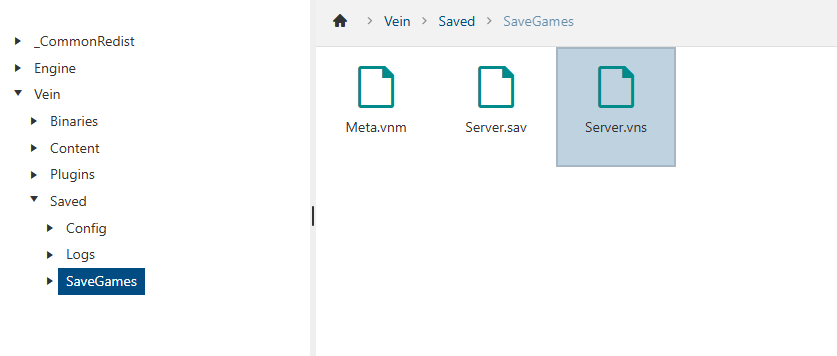
4. Delete the existing save file Server.vns.
5. Upload your new Server.vns file to the same directory.
We recommend using FTP for faster and more reliable file transfers. You can follow our guide here: How to Use FTP with Your Game Server
6. Start the server and verify that the save loads correctly ✅
Did the above information not work for you?
Please click here to contact our support via a ticket.