
The following guide will show you how to change the map rotation on your Call of Duty 4 server.
Not a client yet? Order a COD4 Server today with Citadel Servers
Log in to your Game Panel and navigate to your server.
Turn off the server first to ensure stability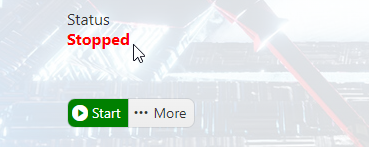
Open the Configuration Files and select the "Text Editor" button to open the file.
Scroll down the config file to find the map rotation settings section.
Each gamemode has its own map rotation line. You can edit the maps here to load your preferred ones.
The server will load the maps from left to right after every round. Ensure that the quotation marks at the end remain.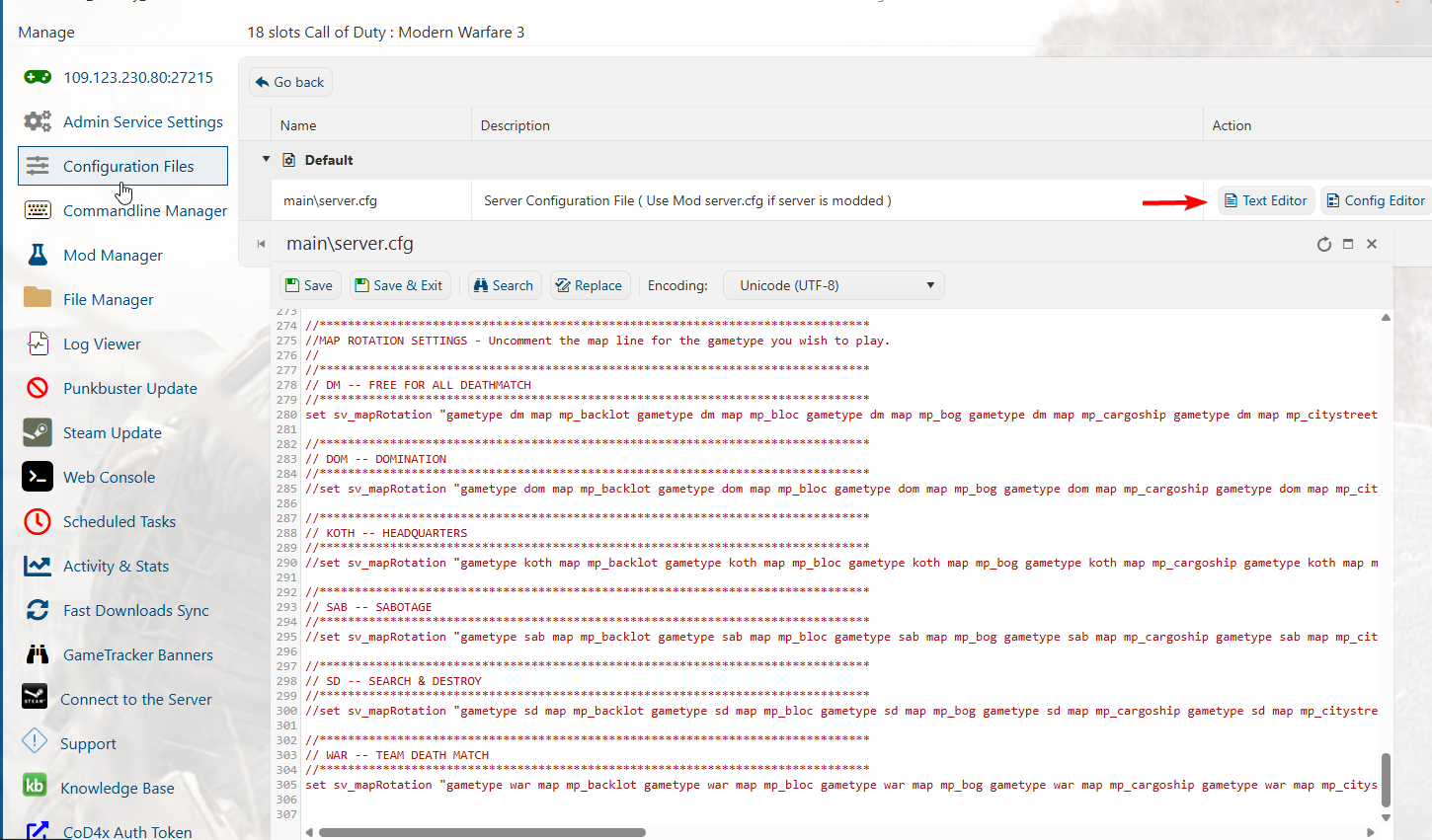
After editing, click save. You can now start and join your server.
You can follow this Guide to connect to your server
Did the above information not work for you?
Please click here to contact our support via a ticket.