

This guide will show you how to use FastDL Sync for your S&Box server.
Click here to order your S&Box server with Citadel Servers today!
1. Log in to your Game Control Panel.
2. Install custom Gamemodes or Maps to your server.
You can follow our guide for it here.
3. Once you are finished customizing your server,
and it has been started(This is so it can finish downloading and installing its assets).
We can now start syncing the files with FastDL.
Click the "Fast Downloads Sync" command in the sidebar.
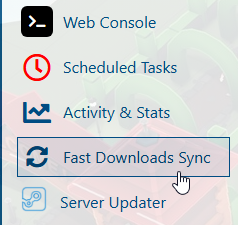
4. This will start the syncing process.
It will open a console that will show the syncing progress.
Wait for it to finish before closing.
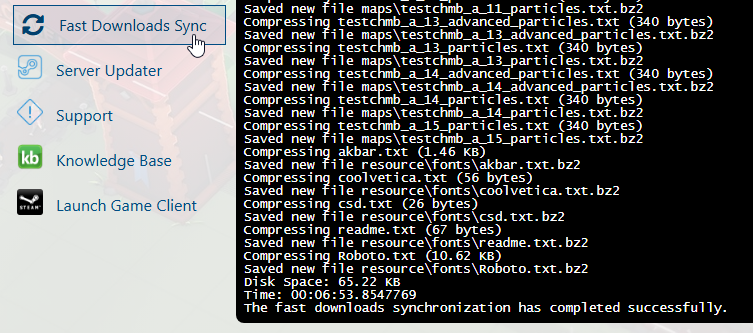
5. Once it's done syncing, you can now start your server.
Players of the server will have a faster time downloading all the custom assets.
Did the above information not work for you?
Please click here to contact our support via a ticket.