

Click here to order your Mount & Blade II: Bannerlord server with Citadel Servers today!
This guide will show you how to Set Up Bots on your Mount & Blade 2: Bannerlord Server
Setting up bots on your Mount & Blade 2: Bannerlord server is a great way to fill empty slots, create larger battles, or keep your server active when there aren’t enough players online. Whether you’re running a private server with friends or hosting a public multiplayer server, adding AI-controlled bots can help make battles feel more populated and engaging. In this guide, we’ll walk you through how to set up bots on your Bannerlord server, including the necessary configuration and settings. By the end, you’ll know how to add bots and adjust them to create the type of multiplayer experience you want.
Adding Bots to Your Mount & Blade 2: Bannerlord Server
1. Log in to your Game Control Panel and navigate to your service.
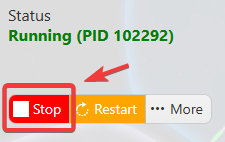
2. Before making any changes, make sure your server is stopped to prevent configuration issues and ensure the changes are applied correctly.
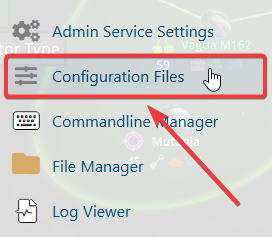
3. Navigate to the Configuration Files Tab.
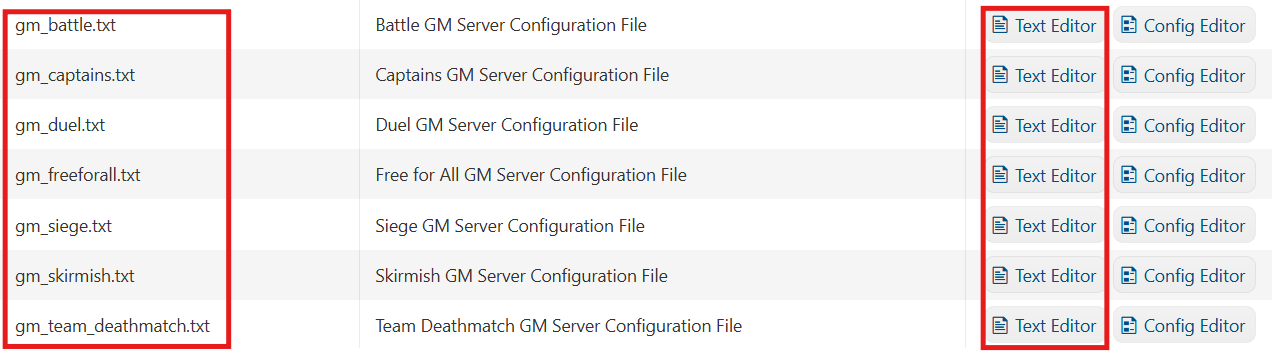
4. Select the configuration that matches the game mode you want to enable on your server and click the Text Editor
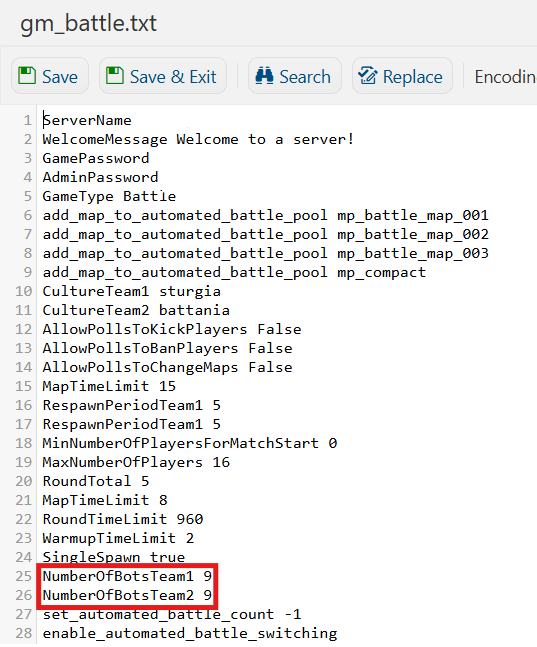
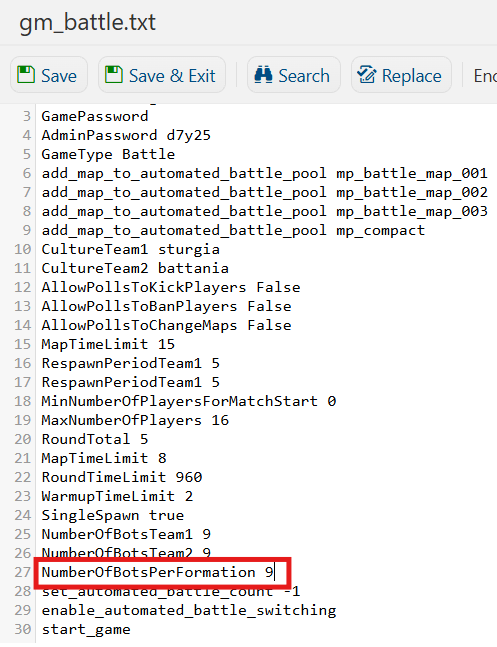
5. After selecting your preferred game mode configuration, locate the NumberOfBotsTeam1 and NumberOfBotsTeam2 settings.
These options control the number of bots assigned to each team. Edit the values according to your preferred number of bots.
6. In Captain game mode, you can adjust the number of bots assigned to each formation by modifying the NumberOfBotsPerFormation [Value] setting.
If the setting is not already present in the configuration file, you can add the lines manually.
7. Once you’ve made the necessary changes, click Save to apply the updated configuration to your server.

Did the above information not work for you? Please click here to contact our support via a ticket.